
May 4
OG Image Not Appearing on Social Media
OG Image for Social Media SEO:
No matter what I do, my OG image will not appear on social media when sharing my URL. I use the recommended size as well, and the file size is miniscule.
Completed
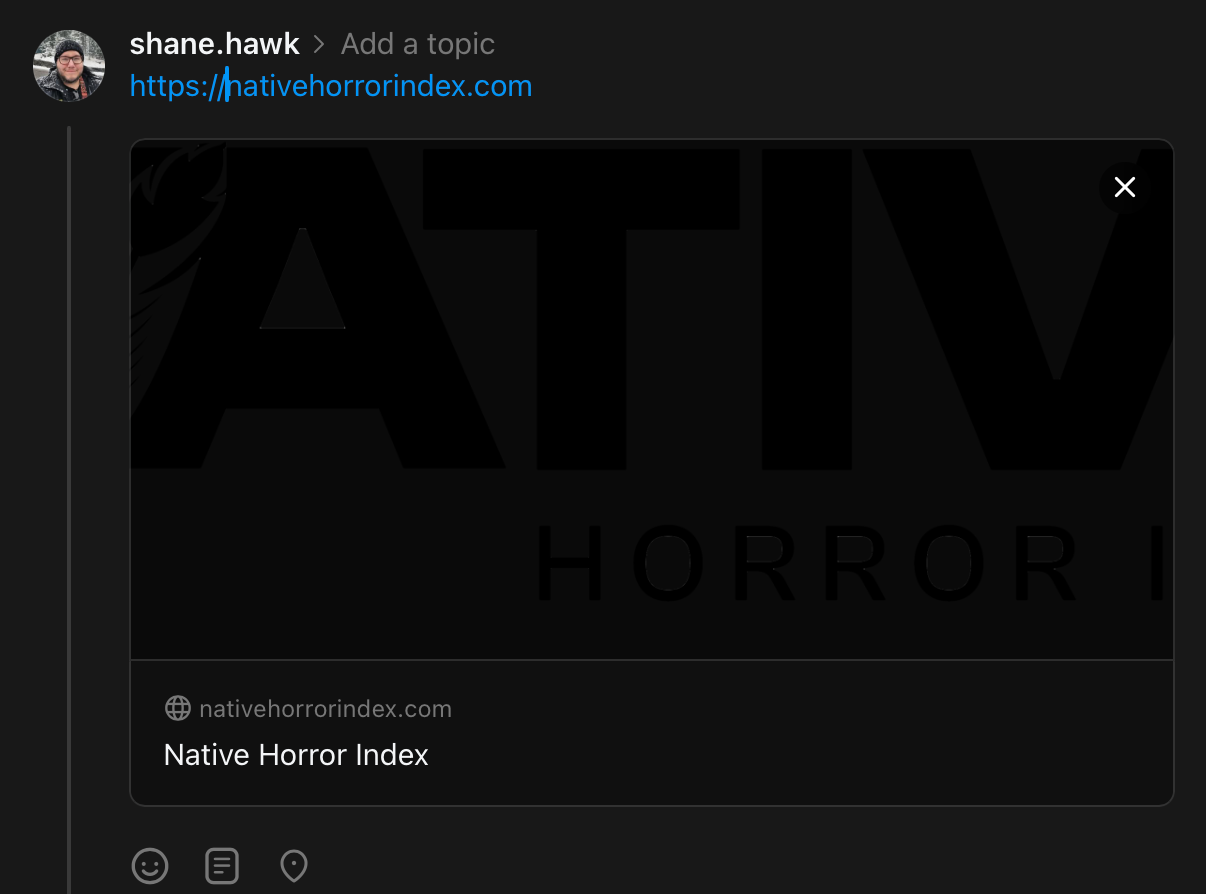
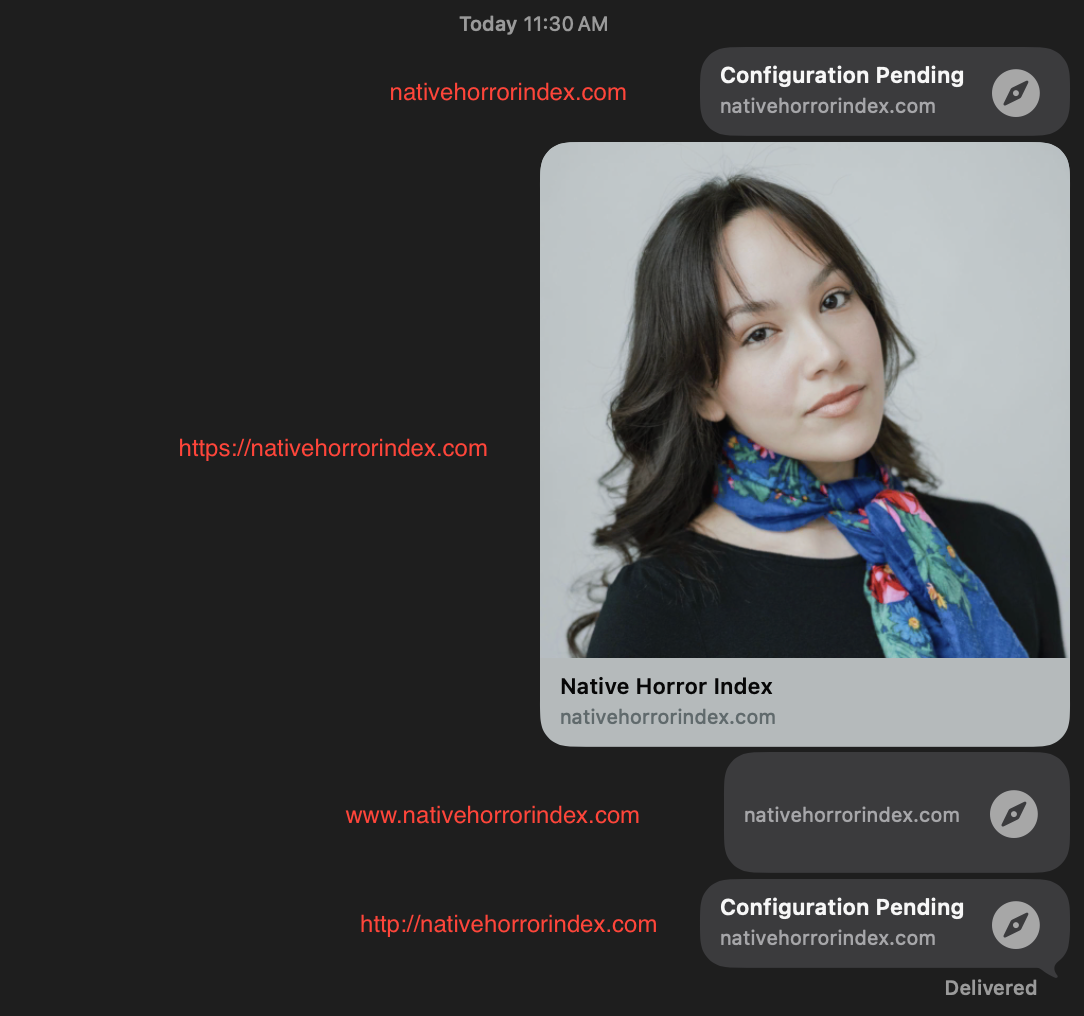
Update on Facebook/Threads: Typing out https:// before the link yields my SEO image with the white background on both platforms, however it's oversized for the social media post and doesn't help the branding. Now here's a weird one: Using dark mode on Threads yields the hard-to-see transparent background SEO image, but it's visible in light mode. Maybe there will be a fix in the future as most people use dark mode I think.
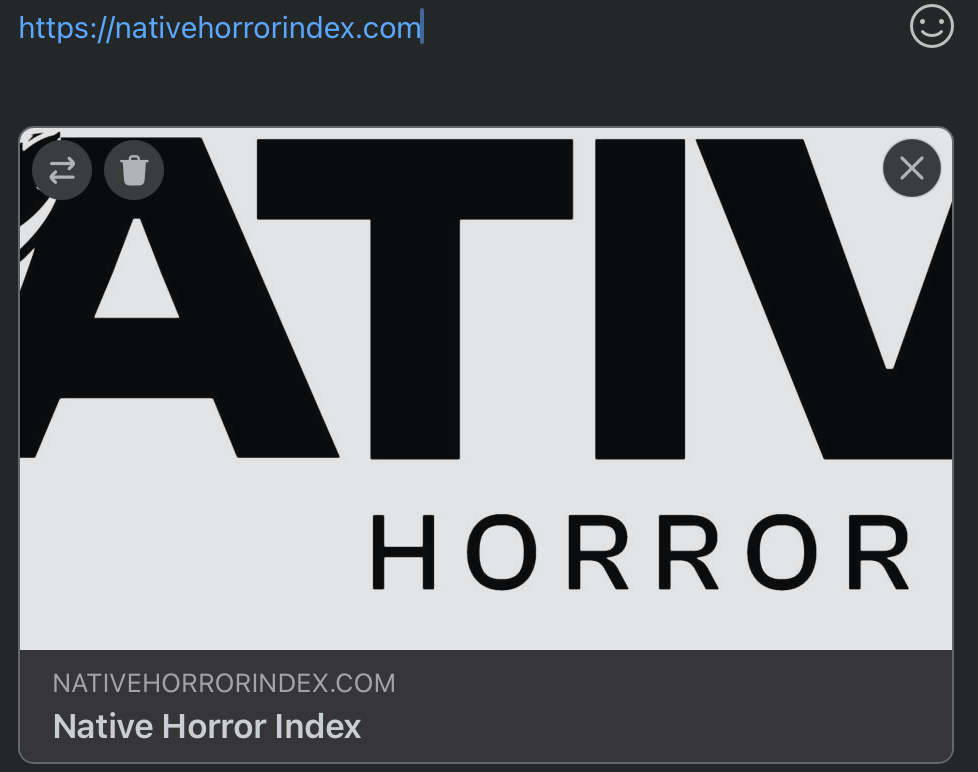
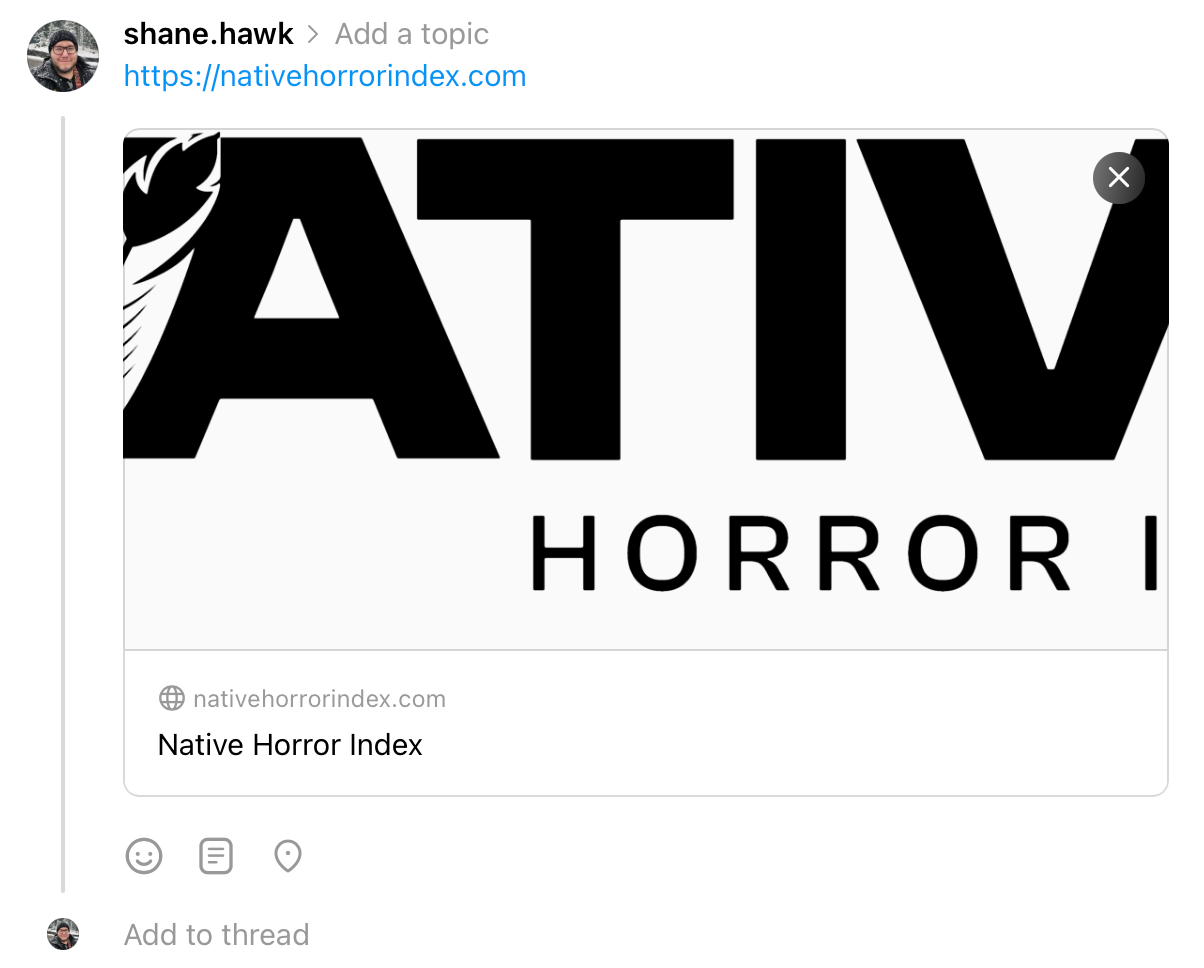
I think my original 4 screenshots disappeared so here they are!
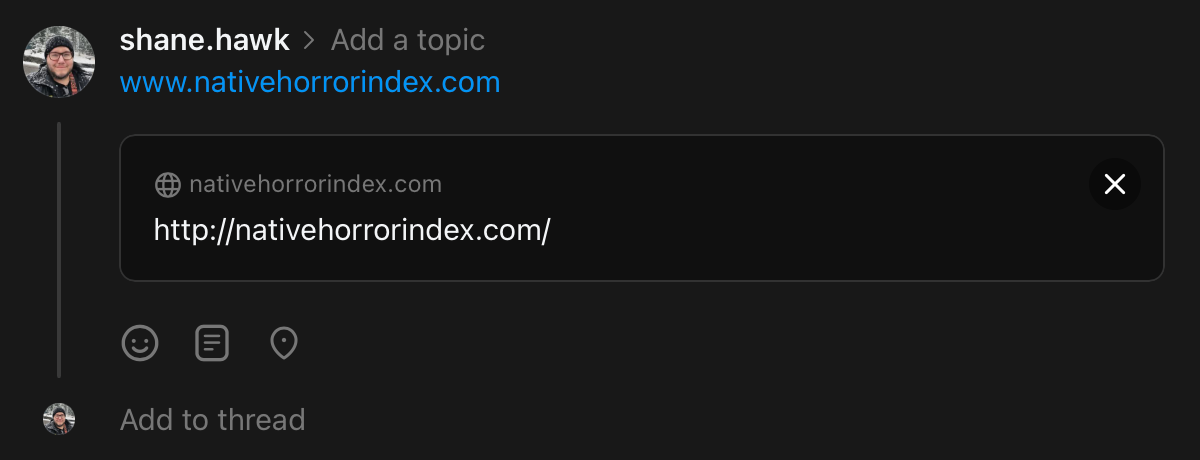
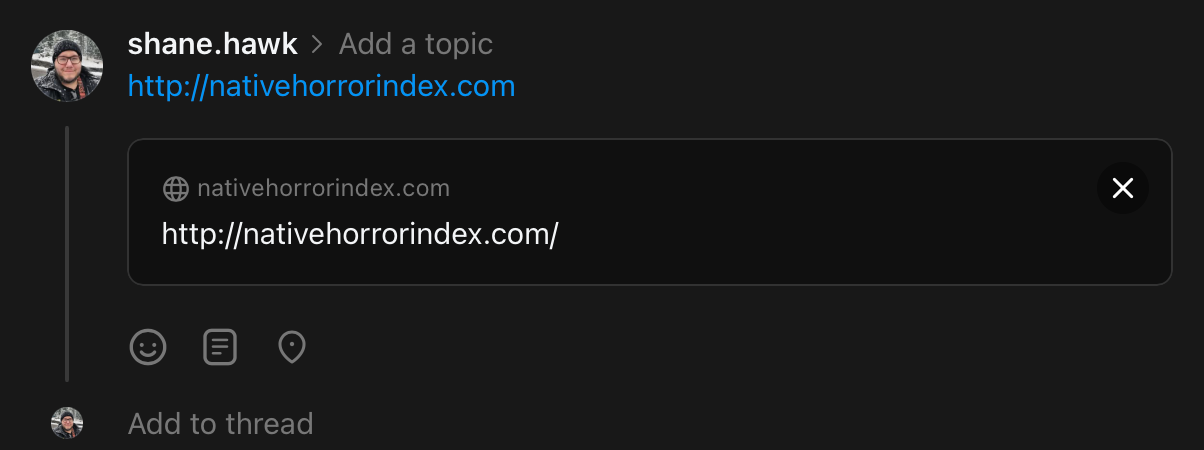
HI, do you have a sample page please?
I'm attaching link previews from Threads and then a screenshot of me iMessaging myself. There seems to be a major issue with URL prefixes. On Threads and other platforms, I get an image but it's not the one I've uploaded in my SEO section, but *only* if I write out https:// when sharing my website. I never do that for my other sites. Could that be addressed? Thanks. Also for iMessage, I get an image when I write out https:// first but it pulls the first site member's portrait as the link preview.
Relatedly, I had numerous interested people yesterday not be able to view my website launch because they got hit with a 'Configuration Pending' warning message. They were clicking my social media links, none of which had the https:// prefix typed out. I had to have a lot of people go to their browser and manually type it in just to view the site. Attaching a screenshot from someone.
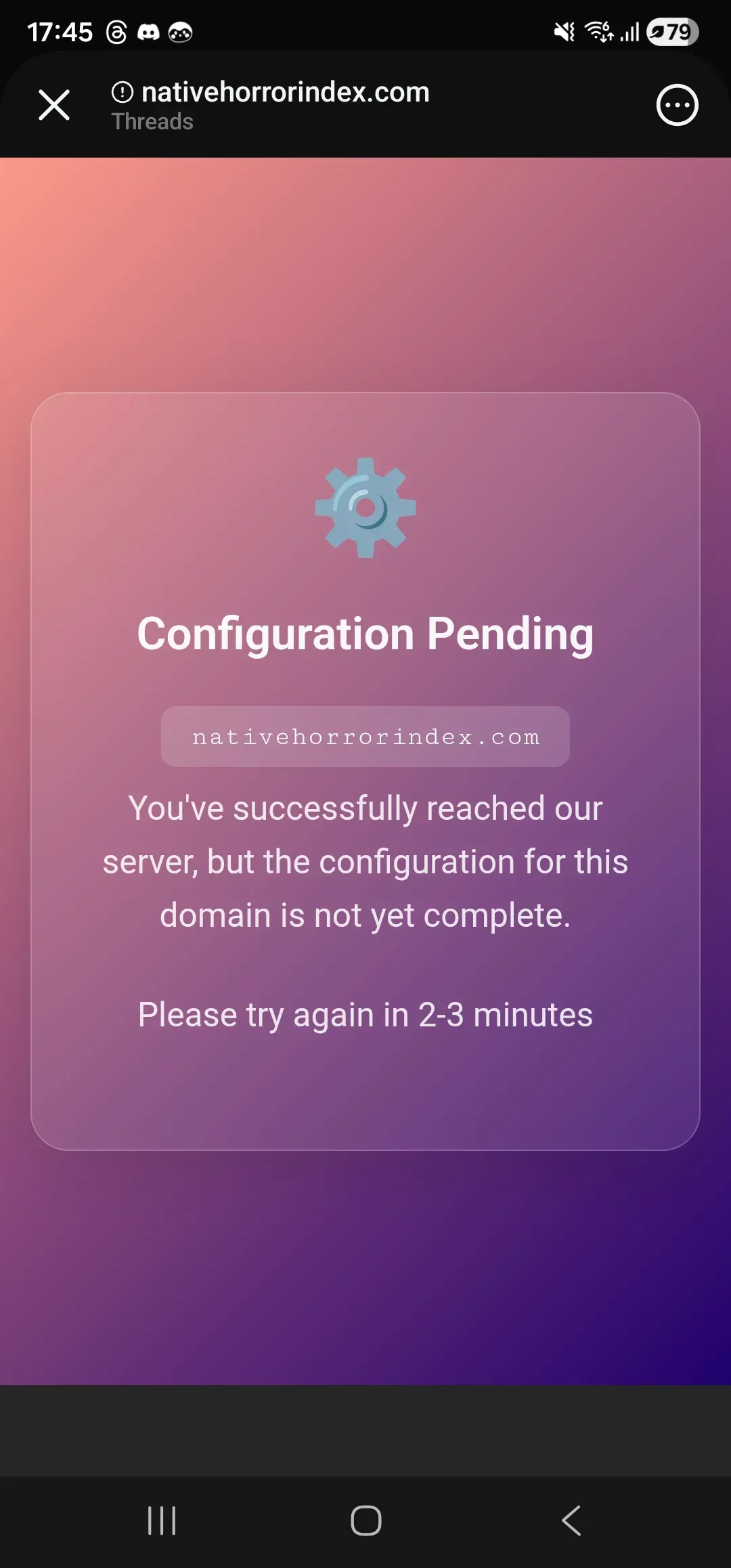
Hey Shane, just checking the advice for this and found the attached. It's probably worth having some padding around the edges to stay in the safe zone. That said, I've tried uploading as 1200x600 for you, instead of 630 and looks OK on Facebook now, I believe. I've also fixed the http > https redirect so you shouldn't see the config page anymore. One thing to note: the www. domain isn't pointing to our servers atm so I can't fix that one for you. If you can fix the dns for that, i'll fix it at our end too.