
Collections

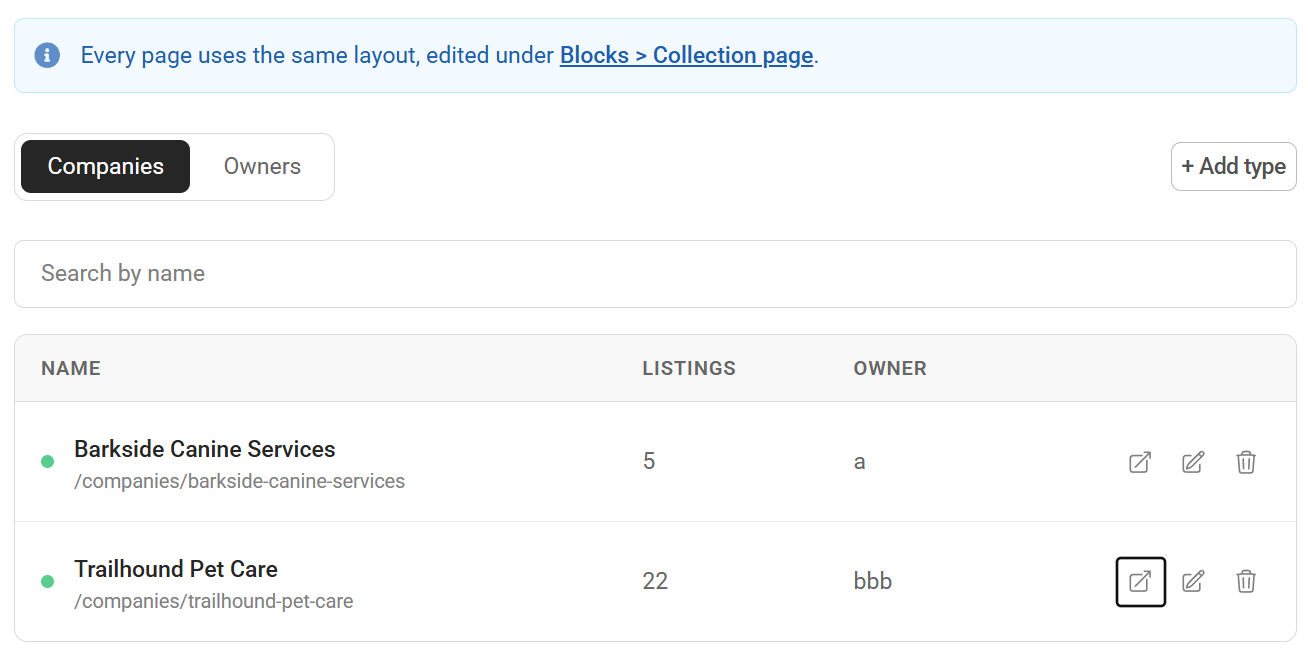
Directories often have a second thing behind the listings - the company that employs, the venue that hosts, the organiser that runs. Collections give that thing a page of its own.
You name them: Companies, Venues, Organisers, Brands. Each type gets its own URL prefix and its own index page, and listings join a collection through a membership.
Pages
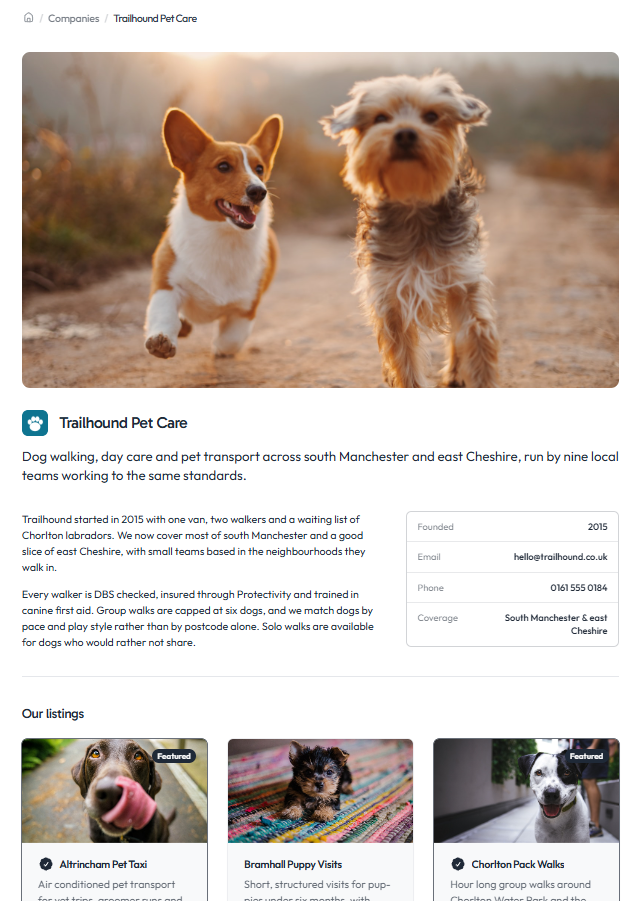
Every collection gets a public page with a logo, banner, introduction, body content and its listings. Each type also gets an index listing every published collection. Both are in your sitemap, and each collection carries its own SEO fields.
Layouts
Collection pages are built in the block editor under Blocks -> Collection page. One layout serves every collection of every type, so you set it up once. Start from one of two pre-defined editable layouts or make your own from scratch:
-
Two columns - body content beside a details panel
-
Stacked - one column, details on a line under the introduction
-
Blank - start fresh
Seven blocks are available: title, introduction, body, meta table, meta row, member listings, and a collection index you can drop on any page.
Detail fields
Each type defines its own detail rows - Founded, Team size, Membership - and every collection fills them in. Renaming a label keeps the values attached to it. These are limited to plain text for now.
Joining
Assign listings from the admin, or let people pick a collection when they submit a listing. Types can be open, need approval, or be invite-only. Approvals go to you, the collection owner, or either. A type can allow one collection per listing or several, and a collection can be exclusive.
Search and filters
Membership behaves like a custom field: it shows on cards and detail pages, and appears as a filter on your search. Filters run on the collection, not its name, so renaming one keeps saved filters working.
Owner pages
Hand a collection to someone with a site account and they manage it from the front end at My Pages. You choose what they can do: edit details, edit content, manage members, add their own listings. They get emailed when a listing joins.

API and MCP
Twelve REST endpoints and twelve MCP tools cover types, collections and members, including bulk creation and mass assignment.
Plans
Growth includes collections with one type and up to three collections. Pro adds multiple types, approvals, and owner-managed members.