
Support for posts & post types

Posts: blogs, news and events for your directory
Add a blog, news section, guides or events to your directory. Posts live on your site, with their own pages, categories and tags, and can be shown anywhere with a block. Listing and company owners can write their own updates too.
What you can build
A blog, news and updates, guides, company announcements, and events. You can run several at once, for example a Blog, a News section and an Events calendar.
Post types
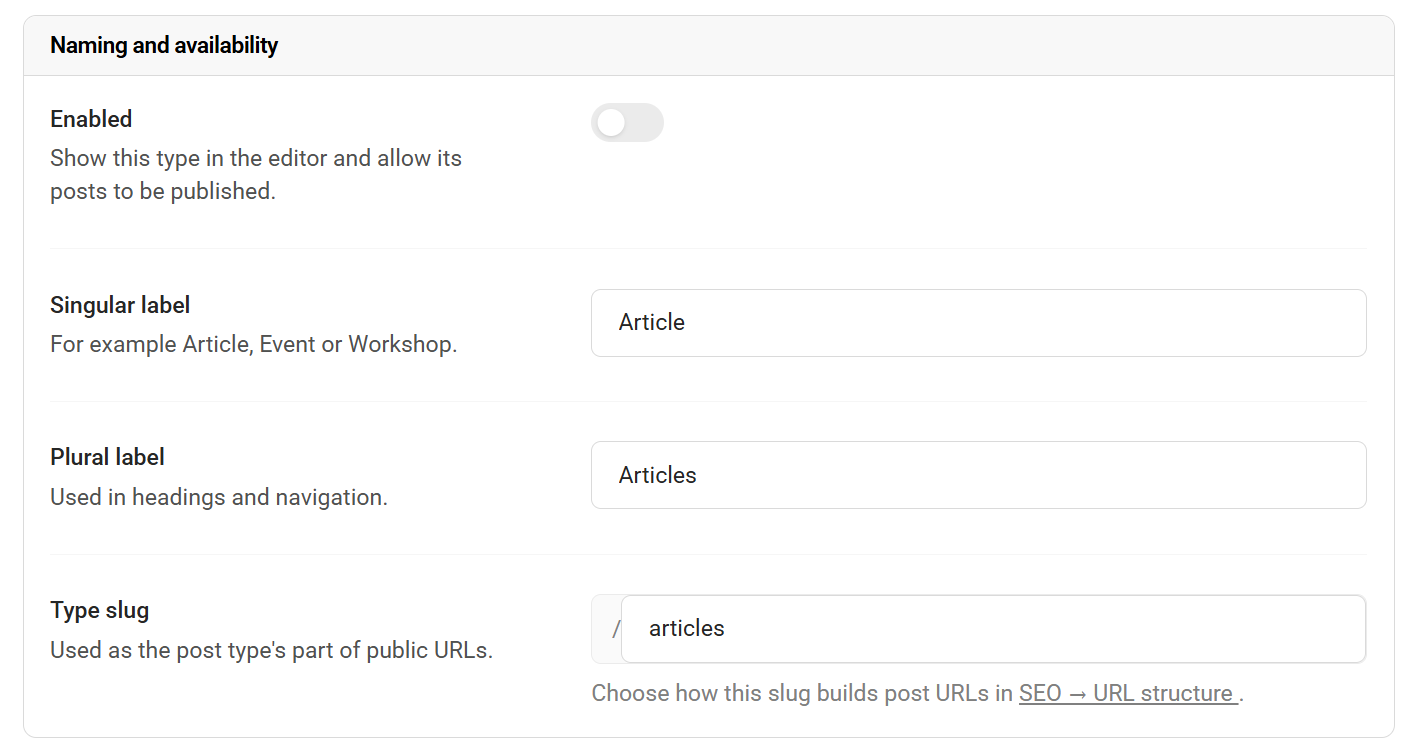
Every post belongs to a type, and each type has its own name, web address, fields and settings. There are two kinds currently (& more to come):
-
Article - for blogs, news, guides and updates
-
Event - for things with a date, time and place
Set them up under Posts -> Settings. You can add more than one of each, up to your plan's limit, and delete a type once it has no posts left.
Writing a post
-
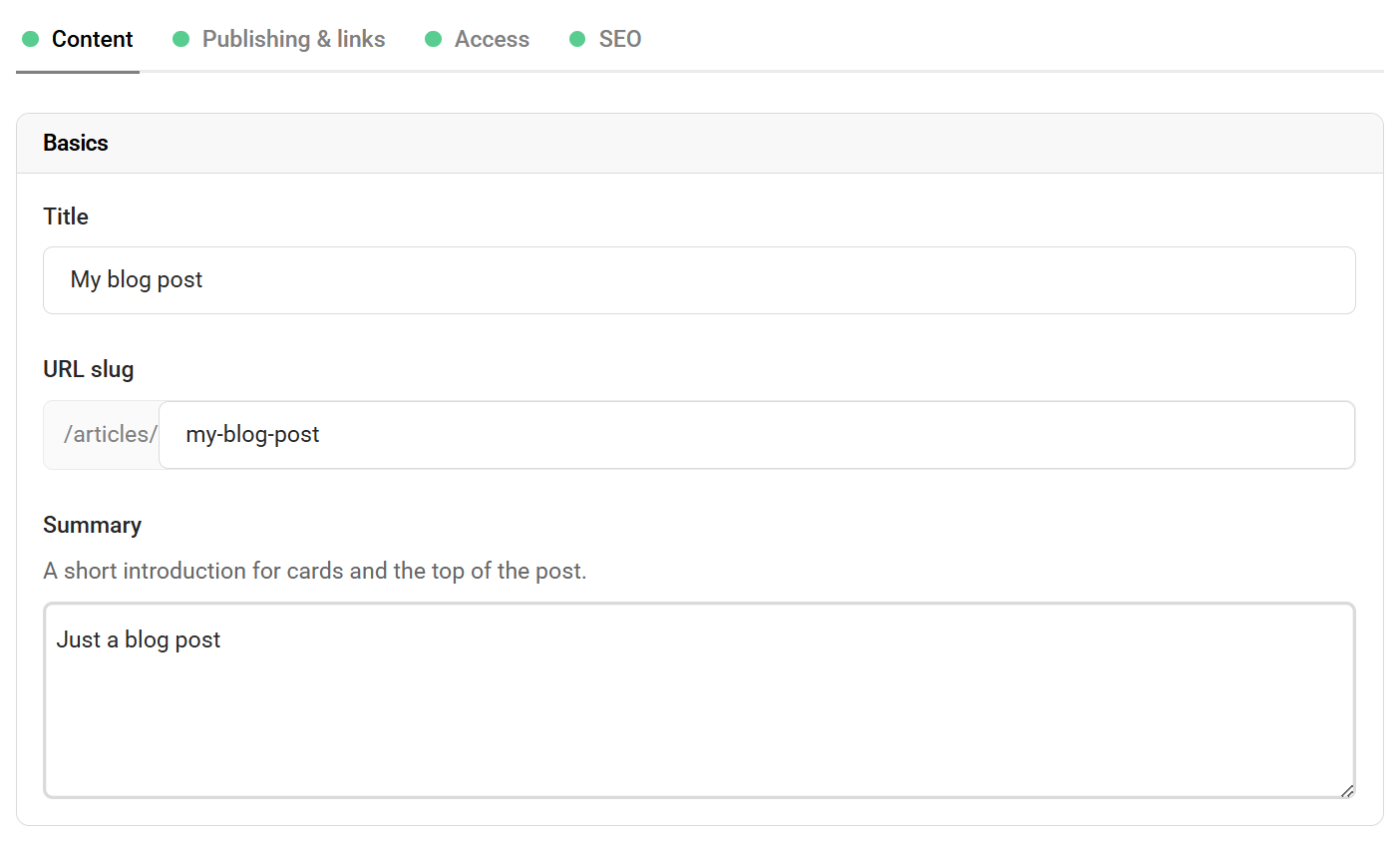
A title, short summary and featured image
-
One or more rich text sections, set up by you per type (for example "Introduction" and "Main content")
-
Detail rows with icons, such as price, date, venue or author, with 31 icons to choose from
-
Categories in a tree, so subcategories sit under their parent. Ticking a subcategory also tags its parent
-
Tags, added by typing and pressing Enter
-
Embedded YouTube, Instagram and Facebook posts
-
Your own page title, description and canonical link for search engines
-
Restrict a post to certain user roles (Pro)
Events
Event posts add a start and end, time zone, all-day option, venue, an "online event" tick box, a link to join or book, and a cancelled marker. Upcoming events are listed first, and ended events can be shown after them or hidden.
Who published it
Each post can be published by your site, by a company or organisation (collection), or by a listing. You can also link a post to other listings and companies it mentions. These appear under the post as "Mentioned in this article", and you can use links as a filter, for example a list on a venue's page showing every post that mentions that venue.
Showing posts on your site
-
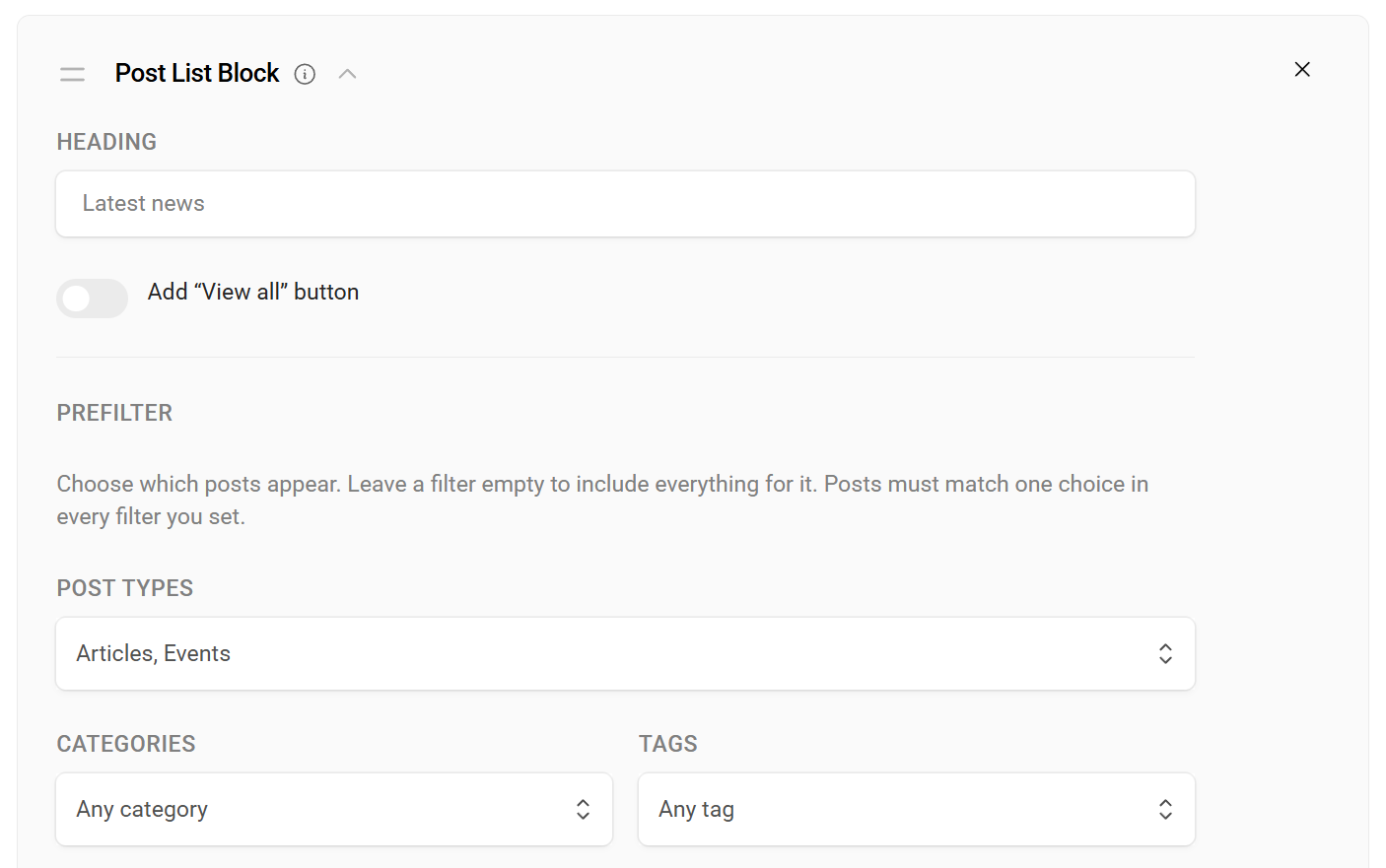
Post List block - a grid or list of posts. Filter by type, category, tag, publisher or linked listing or company. Choose newest or oldest first, how many to show, which parts of each card to display, and turn on page links
-
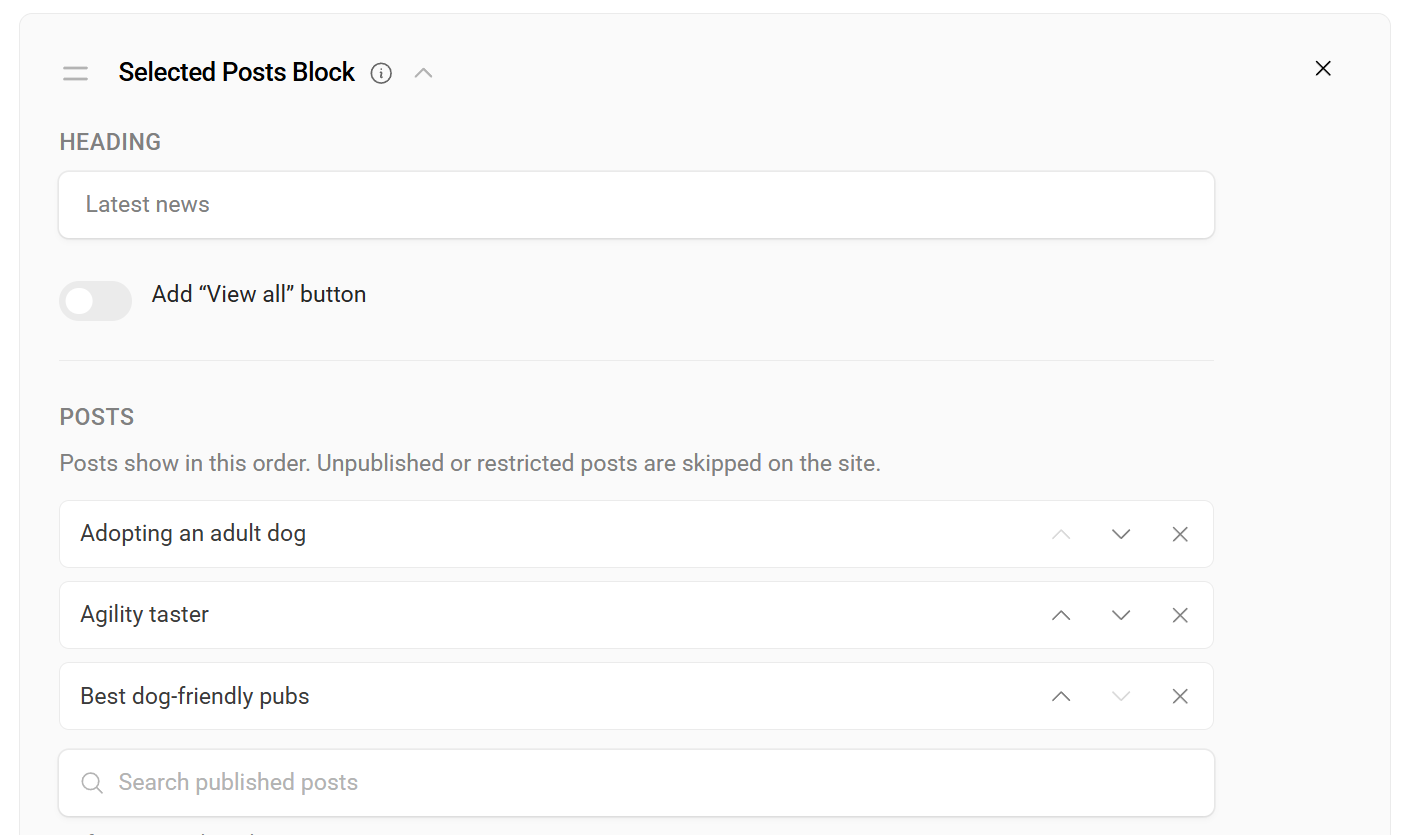
Selected Posts block - hand-pick the posts you want
-
Related posts - shown under each post, using shared categories and tags (you can turn this off per type)
-
Posts are added to your sitemap and get proper search engine details automatically
Put a Post List block on a company or listing page to show that page's own posts. The options for "posts linked to this company or listing" only appear where they make sense.
Owners can post too
Listing owners and company or organisation owners can write posts from their account area under My Posts. You choose, per post type, whether owners:
-
can't post at all
-
submit posts for your approval, or
-
publish straight away
Owners can add a featured image, save drafts, withdraw a post in review, and unpublish. You get an email when an owner submits or publishes, and the owner is told when you approve a post or send it back with a note. If a site has lots of changes at once, you get one summary email rather than many.
The account area also now has a side menu (tabs on phones) linking My Listings, My Pages, My Posts and My Purchases, showing only what applies to each person.
Managing posts
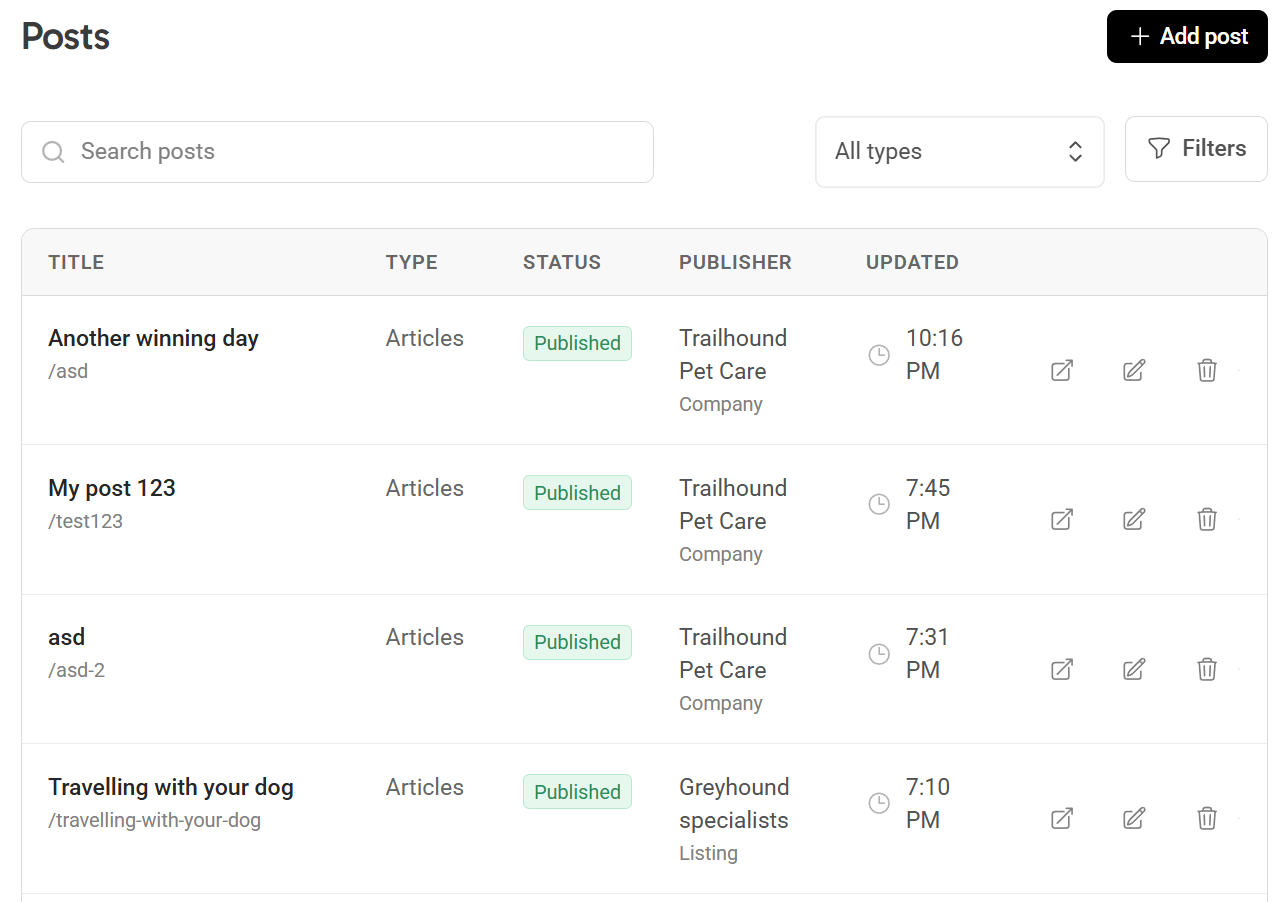
All your posts are in one list under Posts in the admin. You can see each post's type, status, publisher and when it was last edited, and search by title or narrow the list by type, status, publisher, category or creator.
Keeping on top of things:
-
Counts in the admin. The Posts menu shows a badge with the number of posts waiting for your review. Filter by status to quickly find what you're after.
-
Email notifications. When an owner adds, updates, submits or publishes a post you get an email with a link to review it.
-
Owners are kept in the loop. They're told when you approve a post, publish it or send it back with a note.
Build it with AI or the API
-
A new set up a blog shortcut for AI assistants creates a post type, a sample post with a photo, a Blog page and a menu link in one go (MCP, Growth and Pro)
-
Create, update and delete post types, posts and post categories, in bulk too, through the REST API (Pro) and MCP
Plans
Starter
-
5 posts
-
1 post type
Growth
-
250 posts
-
2 post types
-
Owner posts
Pro
-
Unlimited posts
-
Unlimited post types
-
Owner posts
-
Restrict posts to roles
-
REST API
Owner posting needs claimed listings or Collections. Posts in the trash still count toward your limit until they are permanently deleted.
Smaller improvements
- Duplicating a site now copies its post categories and keeps your post blocks pointing at the copy's own types and categories